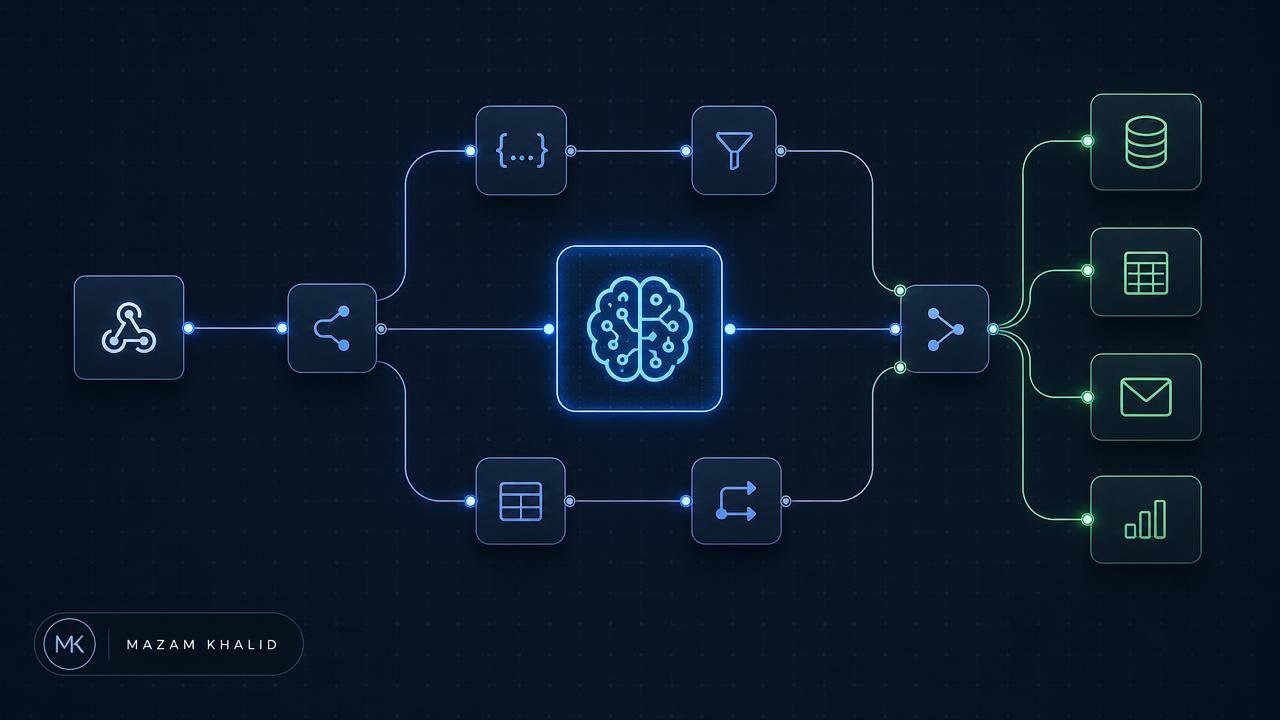
Most "AI automation" content stops at a screenshot of three connected nodes. This is the version that survives contact with production: the workflows I actually run for SEO and web engineering work, why each one exists, and the failure modes that break them at 3am.
Key takeaways
- n8n wins over Zapier/Make when workflows need your database, server logs, or unlimited executions.
- Force structured JSON output from models — free-text responses are the number one cause of broken runs.
- Automate detection and triage, not publishing. Humans stay on the approval step.
- Every production workflow needs three things: retries, an error branch, and an alert channel.
Why n8n specifically
n8n is a node-based workflow engine you can self-host. For SEO and web work that matters for four concrete reasons:
- Execution economics. Crawling 40,000 URLs and classifying each with a model is thousands of "tasks". Per-task pricing makes that absurd; self-hosted n8n makes it a cron job.
- The Code node. Arbitrary JavaScript inside the workflow means you can parse sitemaps, diff HTML, normalise URLs and validate JSON-LD without leaving the canvas.
- Network position. Running on the same VPS as the site, it can read Nginx access logs, hit internal APIs and query the database directly — things a cloud automation SaaS simply cannot reach.
- Data control. Customer data, log data and draft content never leave infrastructure you own.
Workflow 1 — Indexing regression monitor
The single highest-value automation for a content site. Google Search Console will tell you a page dropped out of the index, but only if you go and look. This workflow looks for you.
- Schedule trigger — daily at 06:00.
- HTTP node — pull the XML sitemap, parse URLs in a Code node.
- GSC URL Inspection API — batch the URLs, respecting the 2,000/day quota; prioritise money pages and anything published in the last 90 days.
- Code node — diff today's
coverageStateagainst yesterday's stored value in Postgres. - IF node — route any transition from Indexed to Crawled – currently not indexed / Discovered / Excluded into the alert branch.
- AI node — pass the URL, its HTTP status, canonical, robots directives and last-modified date; ask for a ranked list of likely causes as JSON.
- Slack / email — one digest message, grouped by cause, never one message per URL.
The AI step is doing triage, not diagnosis. It turns 40 dropped URLs into "31 of these share a canonical pointing at a paginated parent" — which is the sentence that saves an hour. If you're seeing those states already, read how to fix Search Console indexing issues first, then automate the watch.
Workflow 2 — Log-file crawl budget triage
Server logs are the only honest record of what Googlebot actually does. Most teams never look at them because parsing is tedious. Automate it:
- Cron node reads the rotated Nginx/Apache access log nightly.
- Code node filters verified bot user agents (reverse-DNS check, not user-agent string alone).
- Aggregate hits by URL pattern, status code and response time; write to Postgres.
- Alert when: 4xx/5xx bot hits exceed 2% of crawl, average bot TTFB exceeds 600ms, or more than 30% of crawl lands on parameterised/faceted URLs.
That last threshold is where most e-commerce crawl budget dies. The fix is architectural — see faceted navigation handling — but the detection is fully automatable.
Workflow 3 — Pre-publish content QA
Triggered by a webhook from your CMS on "ready for review". The workflow checks the draft against non-negotiables before a human reads it:
- Title length, meta description length, exactly one H1, heading hierarchy without skips.
- Internal links present and resolving (HEAD request each one, flag 3xx/4xx).
- Images: alt text present, dimensions declared, file size under budget.
- Schema block parses as valid JSON-LD and its
@typematches the template. - AI pass: does each H2 have a direct 40–60 word answer beneath it? Are there unverifiable marketing claims? Output as JSON with a per-issue severity.
Result posted back to the CMS as a review comment. Machine checks catch mechanical errors; the human reviewer gets to spend attention on substance. That structured-answer requirement is also what makes content extractable — the mechanism is covered in how to get cited by AI search engines.
Workflow 4 — Internal link suggestion engine
Internal linking decays as a site grows because nobody remembers what exists. This workflow rebuilds the map weekly:
- Crawl your own sitemap, extract main content text per URL.
- Generate embeddings for each page; store in Postgres with pgvector.
- For every page, find the top 5 semantically closest pages that it does not already link to.
- AI node drafts a natural anchor sentence for each suggested pair.
- Write to a review table; a human accepts or rejects in a simple UI.
Embeddings beat keyword matching here because they surface conceptual siblings — an article about TTFB and a service page about server tuning — that share no exact phrase.
Workflow 5 — Ranking and traffic anomaly alerts
Pull GSC performance data daily into Postgres. Compute a 28-day rolling baseline per URL group. Alert only when a group deviates beyond two standard deviations for two consecutive days. The two-day rule kills the noise that makes people mute the channel — which is the real failure mode of every alerting system.
Workflow 6 — Lead routing and enrichment
Form submission hits an n8n webhook. The workflow enriches the domain (tech stack, estimated traffic, CMS detection via HTTP headers and HTML fingerprints), asks a model to classify the enquiry into a service category and urgency tier, writes it to the CRM, and sends a templated first-response draft. Response time drops from hours to a minute, and the human still writes the actual reply.
Workflow 7 — Automated Core Web Vitals regression watch
Nightly PageSpeed Insights API calls against a fixed URL set, field data stored, alert when LCP or INP crosses the "needs improvement" threshold. Pair it with a deployment webhook so regressions get attributed to a release rather than discovered a month later. The remediation side lives in Core Web Vitals optimisation.
The five rules that keep AI workflows alive in production
| Rule | Why it matters |
|---|---|
| Force JSON output with an explicit schema | Free-text model output breaks downstream parsers non-deterministically |
| Validate before you act | A Code node checking required fields costs nothing and prevents corrupt writes |
| Retry with backoff, then dead-letter | API rate limits are transient; silent failures are permanent |
| Cap tokens and batch size | One runaway loop over 40k URLs can burn a month's budget in an hour |
| Alert on workflow failure, not just workflow output | The dangerous state is a monitor that stopped running three weeks ago |
What not to automate
Publishing unreviewed AI content. Bulk-generating location or service pages from a template. Auto-applying redirects. Auto-editing robots.txt. Each of these has a plausible-sounding workflow and a catastrophic failure mode, and every one of them I have been hired to clean up after. Automate the detection and the preparation; keep a human on the commit.
Where to start
Build the indexing regression monitor first. It takes an afternoon, it pays for itself the first time it catches a canonical mistake before the traffic drop, and it teaches you the error-handling patterns you'll reuse in every other workflow.